Mirror camera punisher (Pro)
This punisher flips the view of the camera. That is annoying, but it does not close the game or delete a save. It works well in a first-person game.
This punisher needs the Pro version.
Walkthrough: Punishing cheaters.
Add it
The predefined Anti-Cheat-Monitor prefab has no punisher. To use this one:
- Make your own monitor prefab. Copy the predefined one.
- Drag the Mirror Camera Punisher prefab onto the monitor in your prefab so it becomes a child.
- Assign your prefab to the Anti-Cheat Monitor field in Edit > Project Settings > GuardingPearSoftware > AntiCheat.
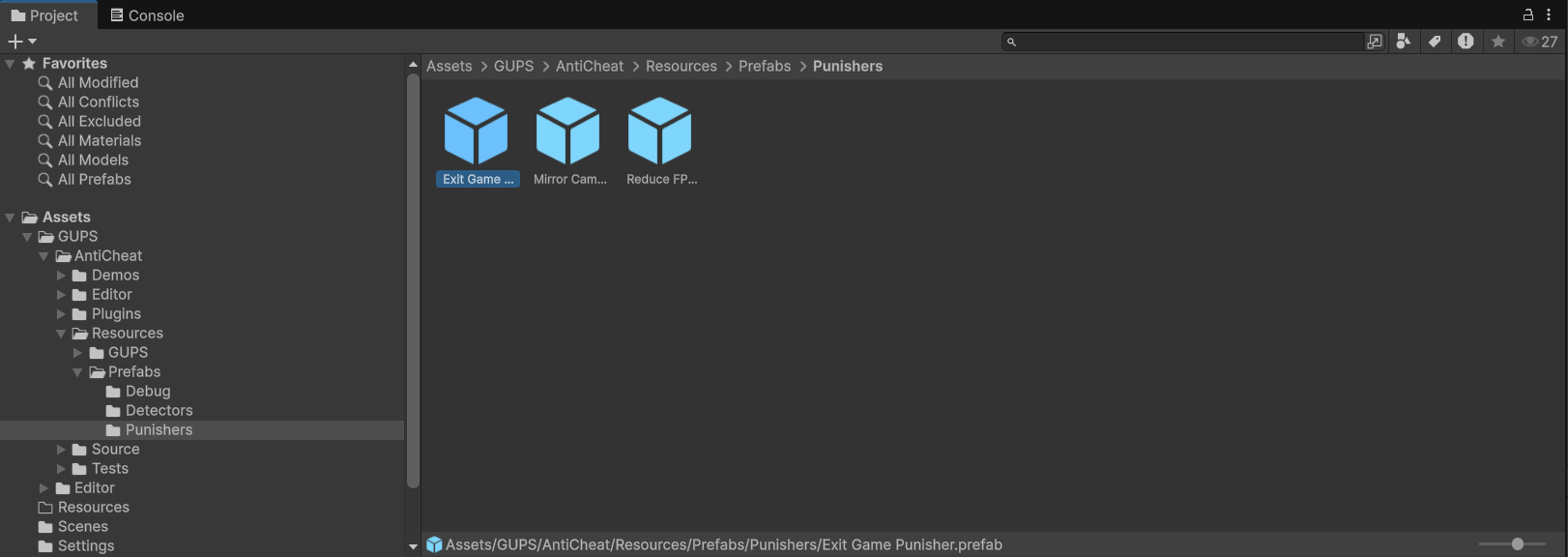
The punisher prefabs in Assets/GUPS/AntiCheat/Resources/Prefabs/Punishers.
The component is FlipCameraPunisher (namespace GUPS.AntiCheat.Punisher). You can also add it by hand to a child of the monitor.

Add the mirror camera punisher component.
Settings
- Is Active (
isActive, bool, default on): Turns the punisher on or off. - Threat Rating (
threatRating, uint, default 450): The limit. The punisher runs when the threat score of the Anti-Cheat Monitor reaches this number. - Flip Horizontal (
flipHorizontal, bool, default on): Picks the direction of the flip. One setting mirrors the view left to right, the other turns it upside down. Try both and keep the one you like.
Good to know
- It runs once per session. The view stays flipped until the game is closed.
- It flips the main camera, the one with the MainCamera tag. Make sure your scene has one when the punisher runs.
- A camera that is created later, or another camera in the scene, is not flipped.
Back to the Punisher overview.